Logging In And Out
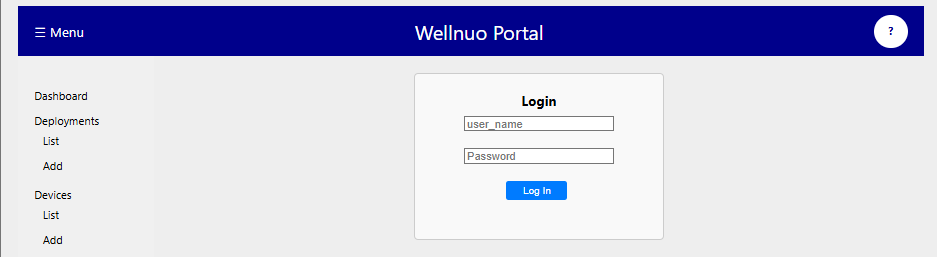
If you are not already signed in, navigating to the main portal link will automatically redirect you to the login screen. This is found at https://eluxnetworks.net/function/well-api.
If your browser has saved your login credentials, the Username and Password fields will auto-populate for your convenience.
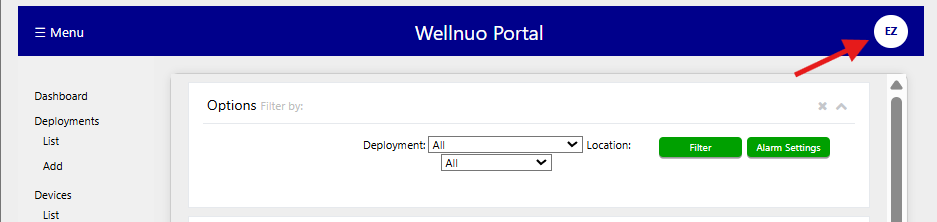
To log out, click the circle icon in the top-right corner of the screen displaying your initials. Then, select "Log Out" from the dropdown menu.