Connecting Device To Cloud
Connecting to WiFi
To ensure the WellNuo Cloud can effectively access and process data for both caretakers and beneficiaries, a stable Wi-Fi connection is required.
Ensure Power Supply:
First, make sure your WellNuo device is plugged in and powered on.
Access Your Device's Network Settings:
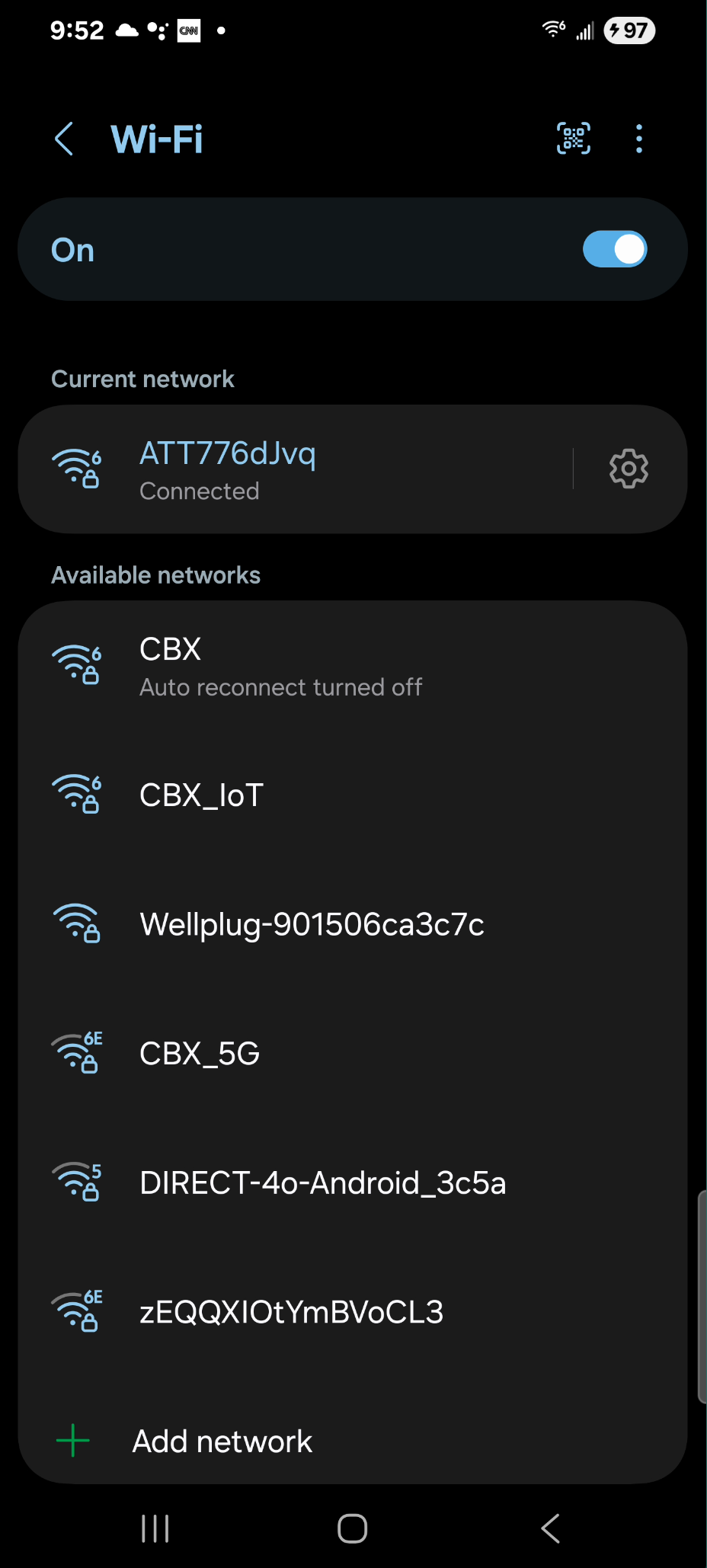
On your mobile device, navigate to the Settings menu and open the Wi-Fi or Network section.
Select the WellNuo Network:
From the list of available Wi-Fi networks, locate the one named: "Wellplug-[XXXX]". Enter the password "12345678" when prompted.
Note: The last four characters (XXXX) will match the final four characters printed next to the QR code on your WellNuo device.
Connect and Initialize:
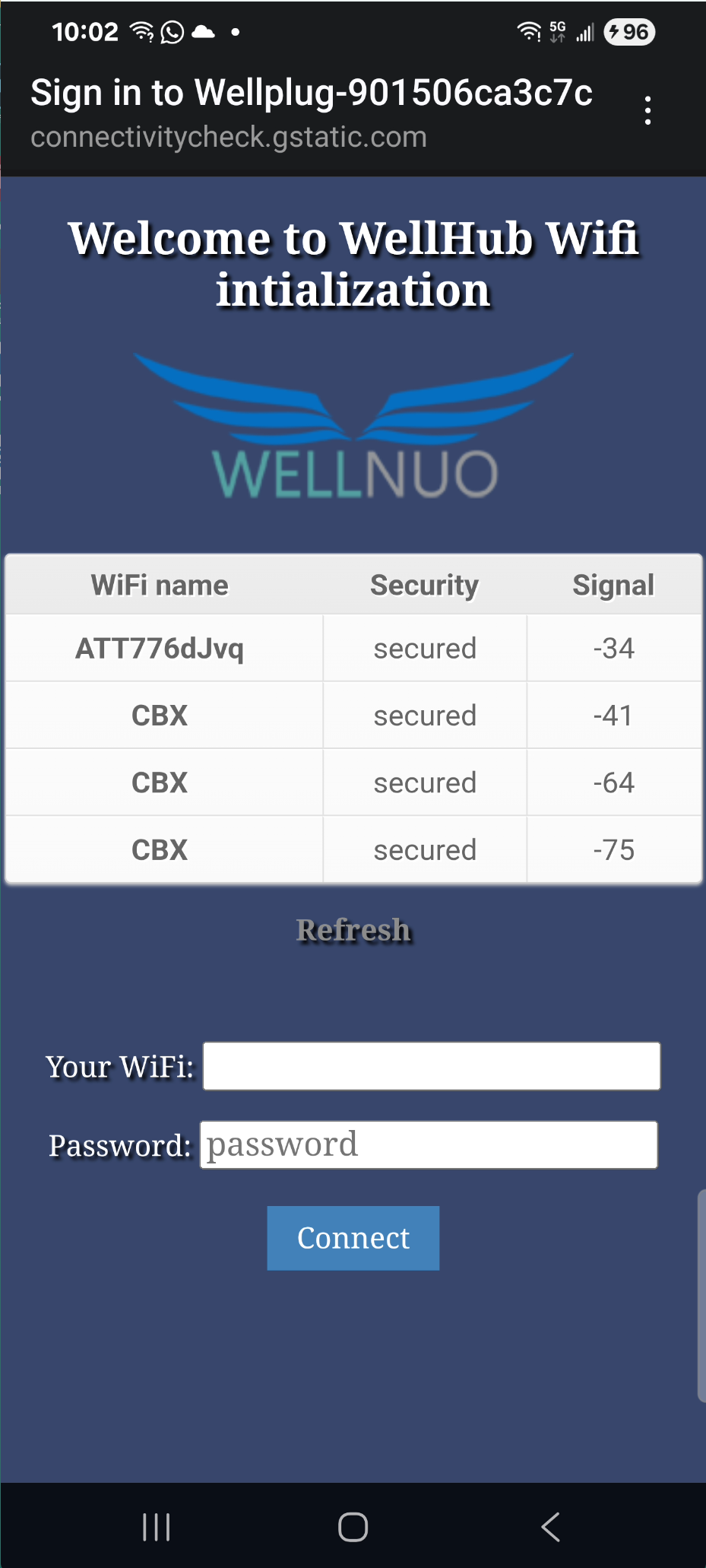
After selecting the Wellplug network, you’ll be automatically redirected to the WellHub Wi-Fi Initialization Page.
Choose Your Home Wi-Fi Network:
On this page, you’ll see a list of available Wi-Fi networks (SSIDs). Tap your desired network, and it will auto-fill the "Your WiFi" field below. Enter the password for your selected WiFi in the field below.
Wait for Connection Confirmation:
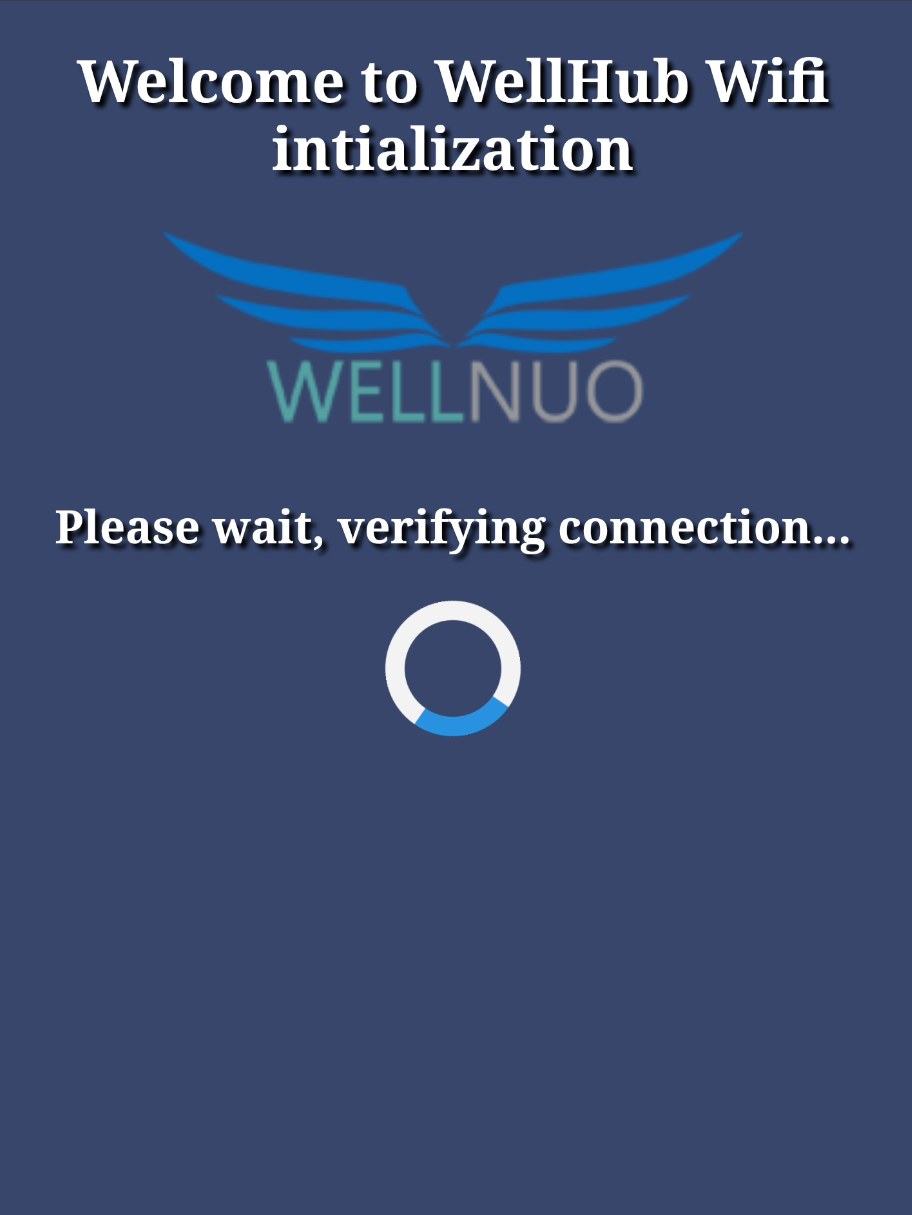
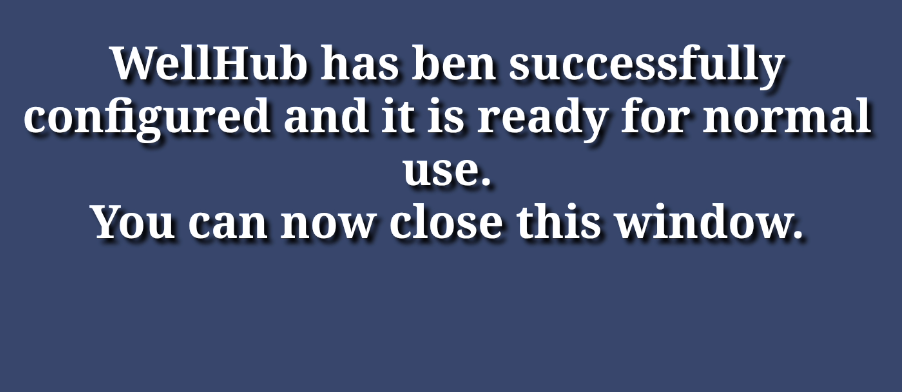
Once submitted, the system will begin connecting your device. Please be patient—the display will inform you once the setup is complete and the device is ready for use.