Placing Rooms In A Floor Plan
Working with Rooms
To place a room:
- In the left-hand menu, select the desired room type by left-clicking.
- Left-click anywhere on the grid to place it.
Note: Room colors are pre-defined and cannot be changed.
To resize a room:
- Click the pink square at the lower-right corner of the selected room.
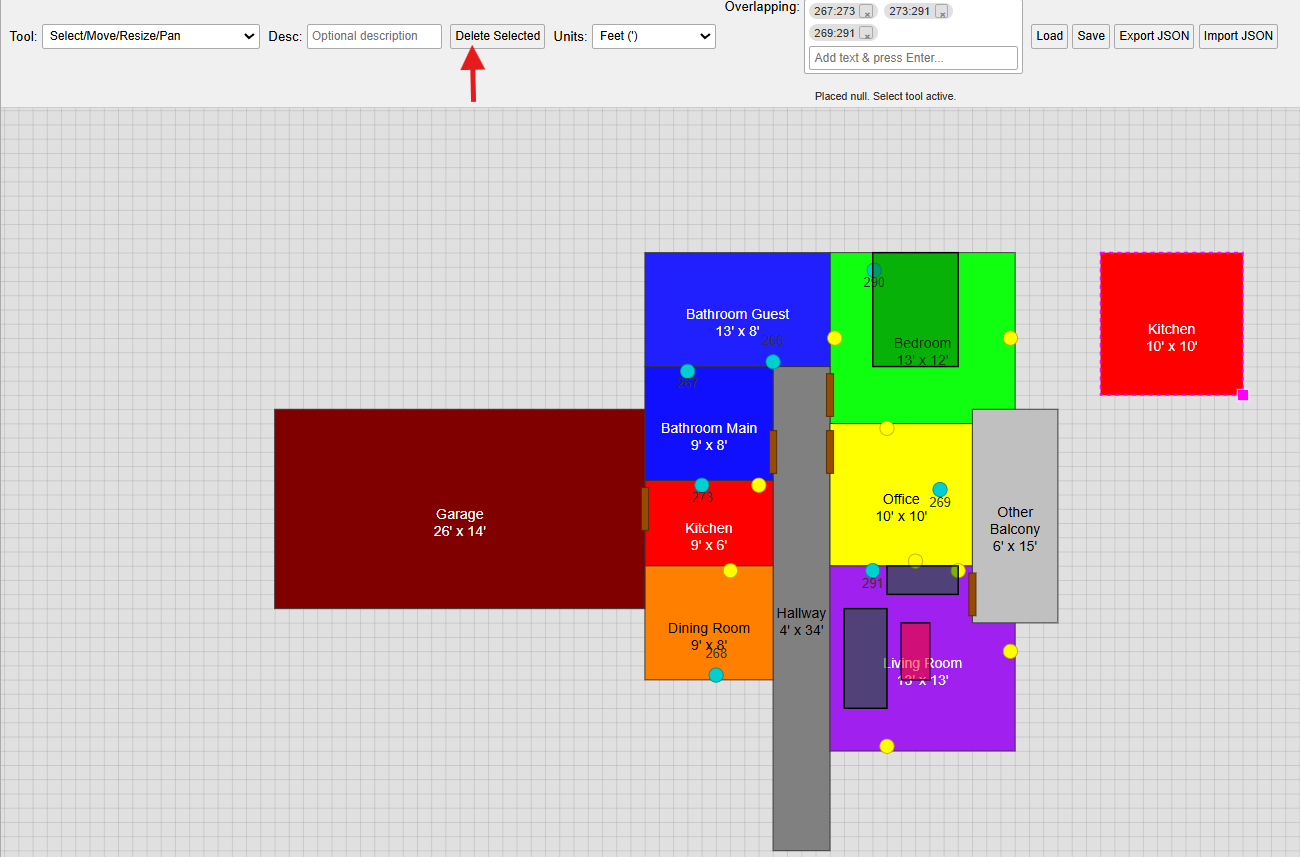
- Drag to resize. The room will be outlined with a pink dashed border to indicate it's selected.
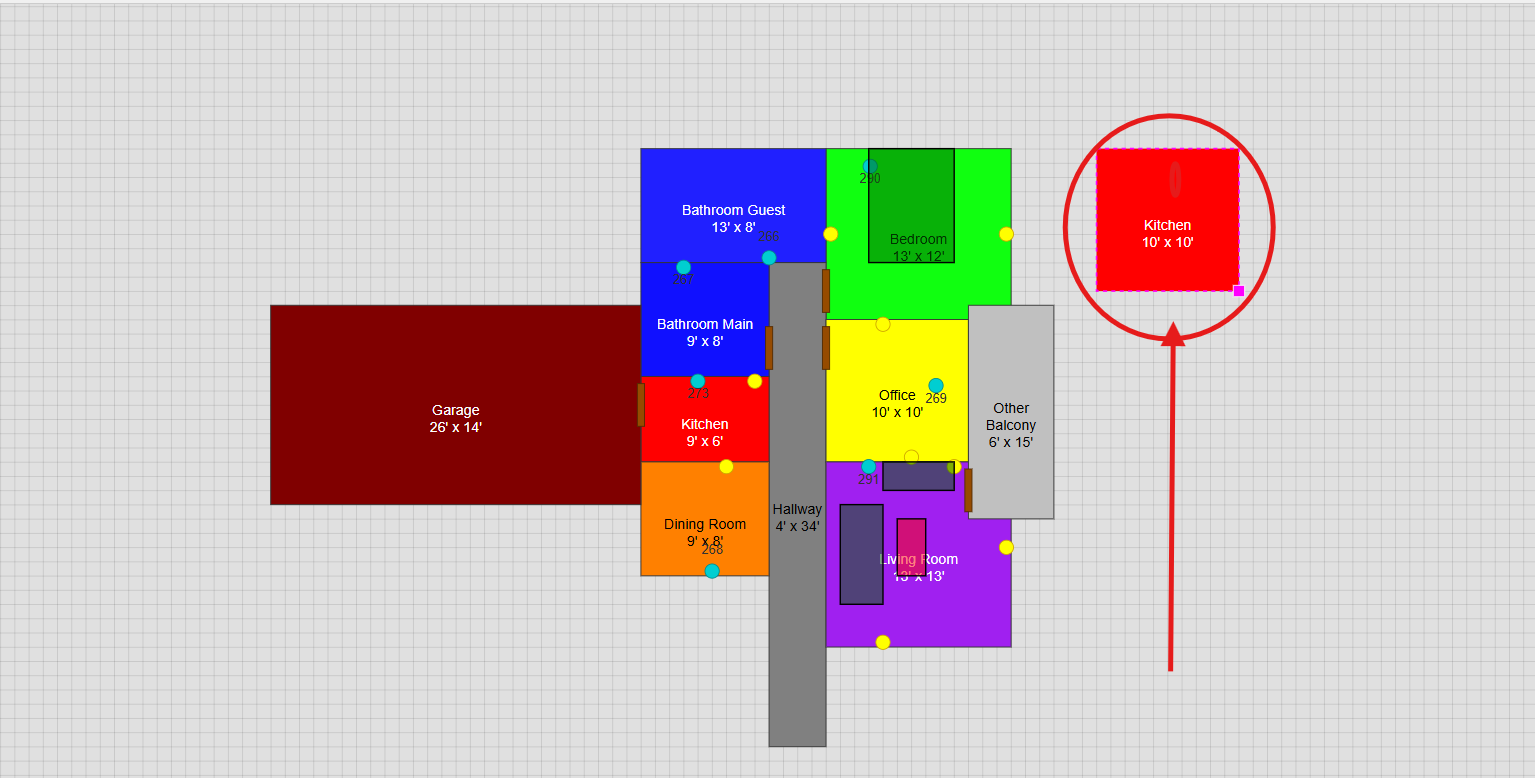
Currently, only one corner can be used to resize. To correct placement errors, consider deleting and re-adding the room.
To delete a room:
- Select the room by clicking on it.
- Click the Delete Selected button in the top menu.